

Where to Begin
When you start thinking about launching a business, one of the first strategic steps is organizing your Lean Canvas. It turns your early ideas into something clear, visual, and actionable. In Vibz, this process is simple, fast, and designed to evolve — you can create your Lean Canvas in minutes and refine it continuously.
Generating Your Lean Canvas with AI
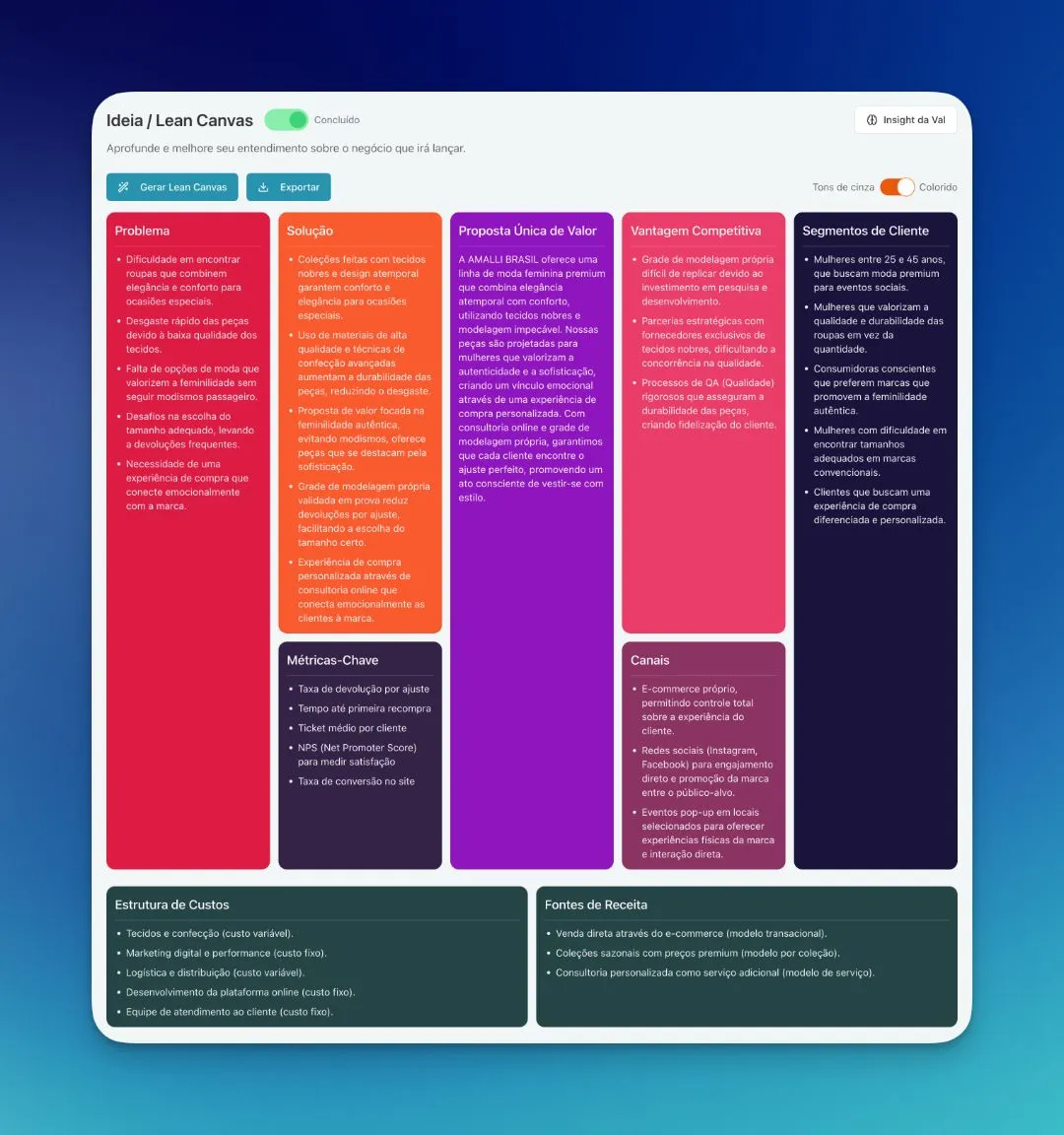
Vibz allows you to generate the Lean Canvas automatically using AI. The system uses the initial information you provided when registering your business. The more complete and accurate your inputs are, the more coherent and insightful the generated Lean Canvas will be.
After the initial generation, you are free to adjust anything. Each of the nine blocks can be revised to reflect the business model you are shaping.
Editing Each Block
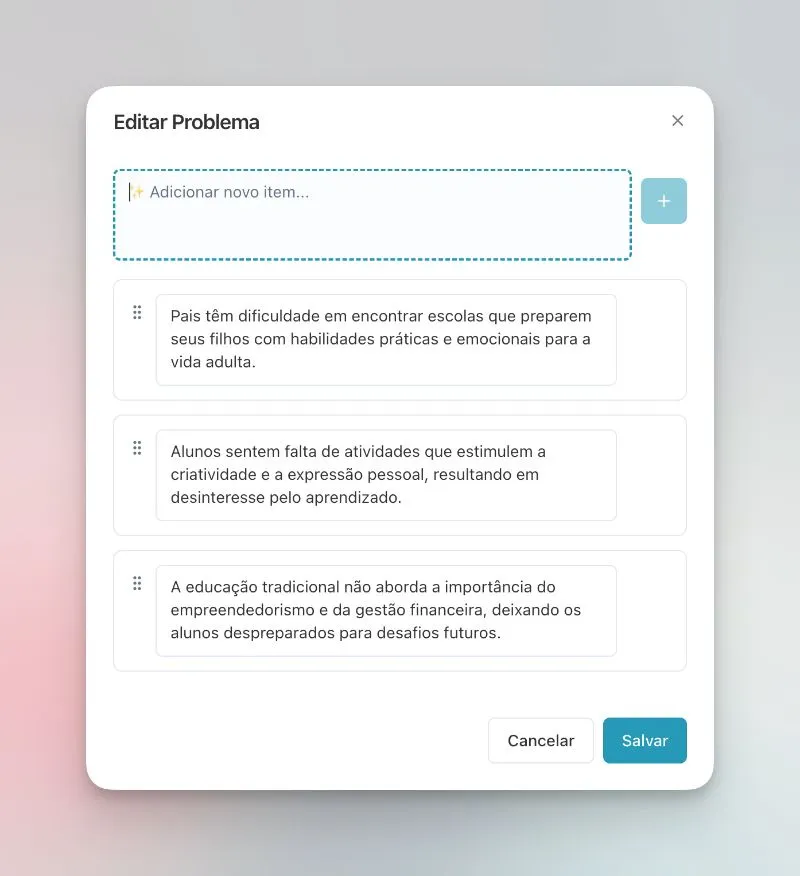
To edit any section, simply click on the desired field. A window will open where you can add new items, adjust text, change the order, or delete elements that no longer apply. You have full flexibility to shape your Lean Canvas according to your business stage.
Viewing Modes
You can switch between a full-color view or a grayscale view, depending on what works best for reading, printing, or presenting. This switch is immediate and does not affect your content.
Exporting Your Lean Canvas
Once you are satisfied with the result, Vibz allows you to export your Lean Canvas as a PNG or PDF file. This makes it easy to share with partners, mentors, investors, or attach to your business plan.
The Lean Canvas is a living document — revisit and refine it as new insights emerge.